If your shop in the UAE is registered for VAT, every sale needs a correct tax invoice. Many small shops still write invoices by hand or use a basic billing app, and then spend hours at the end of the quarter preparing numbers for their accountant.
A good POS (point of sale) system with VAT invoicing solves this. In this guide we explain what to look for when choosing POS software for a UAE shop.
VAT in the UAE: the basics for shop owners
The UAE introduced VAT on 1 January 2018. The standard rate is 5%. Businesses registered for VAT receive a Tax Registration Number (TRN) from the Federal Tax Authority (FTA), and must issue tax invoices for their taxable sales.
A full tax invoice usually needs to show, among other details:
- The words “Tax Invoice” clearly displayed
- Your business name, address and TRN
- The customer’s name, address and TRN when the customer is VAT-registered
- A sequential invoice number and the date of issue
- A description of the goods or services, quantity and unit price
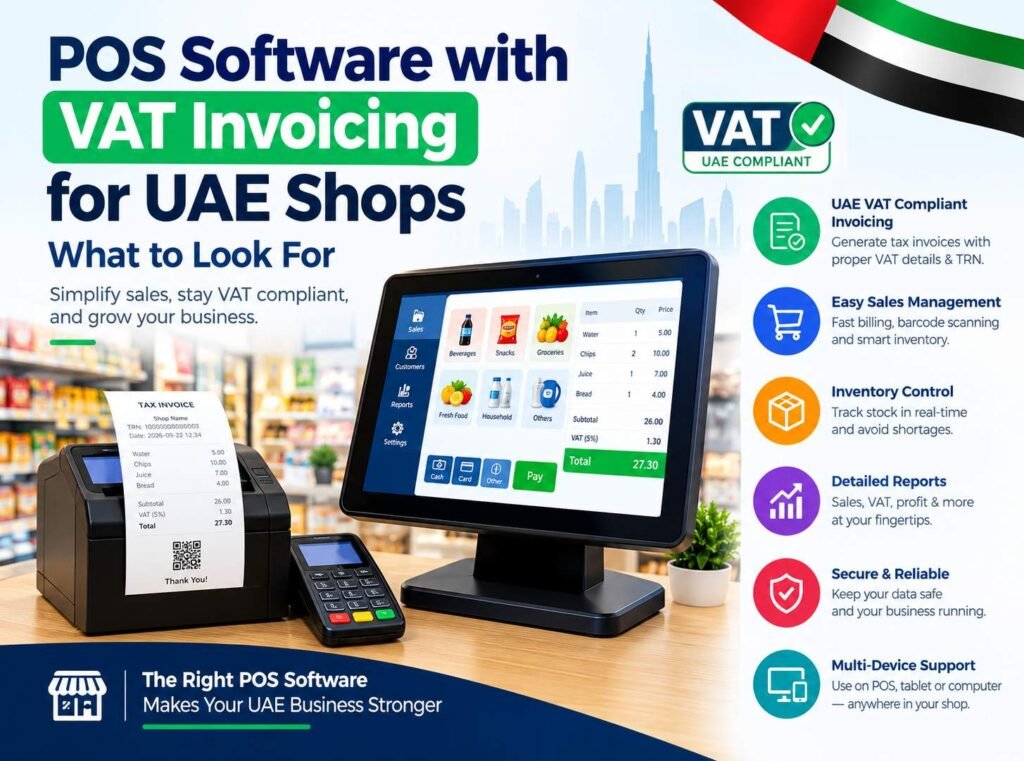
- The VAT rate and the VAT amount in AED, and the total amount payable
In some cases, such as retail sales to customers who are not VAT-registered, a simplified tax invoice can be used. Rules can change, so always confirm the latest requirements on the FTA website or with your tax advisor.
8 things to look for in POS software for a UAE shop
1. Correct VAT invoices, automatically
The POS should calculate 5% VAT on every item, show your TRN, number invoices in sequence and print or share them as PDF. You should never have to calculate VAT by hand.
2. Fast billing at the counter
Search by product name or barcode, add items in a few taps and take cash or card payments. When the shop is busy, speed matters more than anything else.
3. Stock (inventory) that updates itself
Every sale should reduce stock automatically. Look for low-stock alerts so you can reorder before you run out.
4. Purchases and suppliers
Record what you buy from suppliers, including the VAT you paid. This makes it much easier for your accountant to prepare your VAT return.
5. Clear reports
Daily sales, monthly sales, VAT collected, best-selling products and profit. Good reports help you make decisions instead of guessing.
6. Staff accounts and permissions
Cashiers should only be able to do what they need. The owner should be able to see everything and control discounts, refunds and price changes.
7. Cloud access and backups
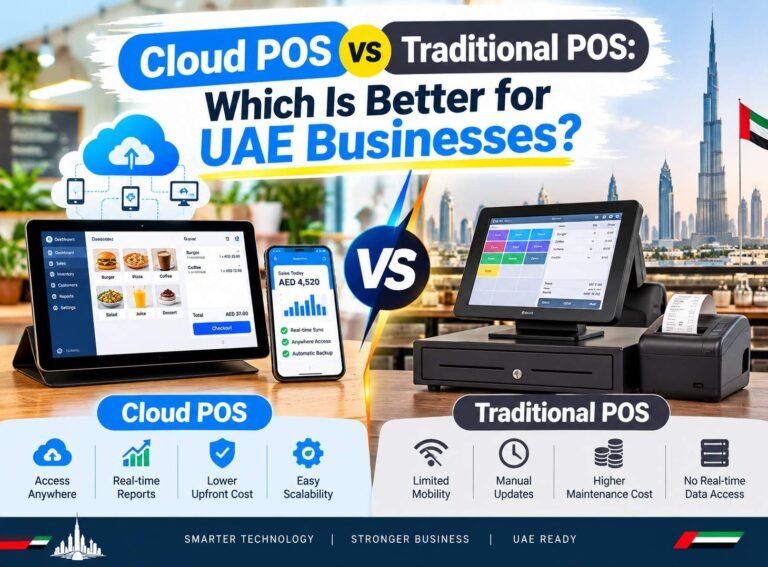
A cloud POS works in the browser on PCs, tablets and phones, so you can check today’s sales from home. Your data is backed up, so a broken computer does not mean lost records.
8. A simple, predictable price
Watch out for setup fees, per-device fees and expensive hardware you do not need. Ask for the total yearly cost before you decide.
Different shops need different features
- Hardware, paint and building material stores need many products with units and quick stock checks.
- Mobile and electronics shops often need serial numbers and repair or servicing records.
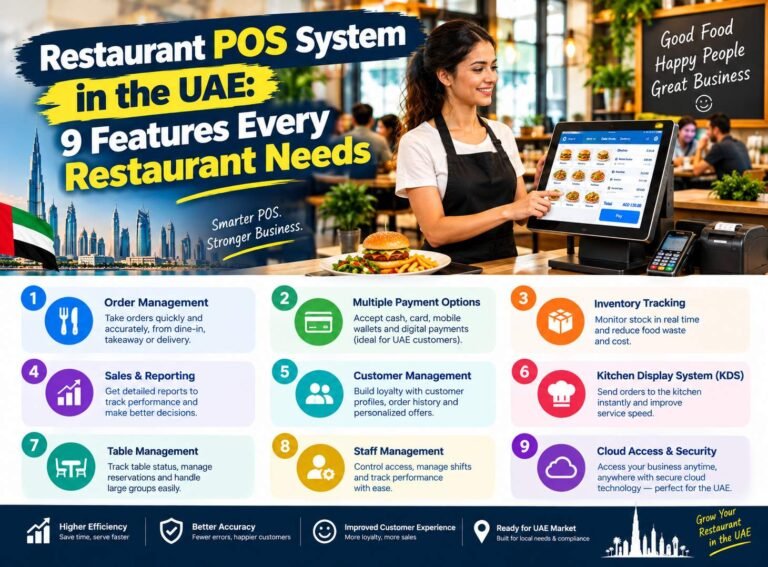
- Restaurants and cafeterias need tables, kitchen orders and fast take-away billing.
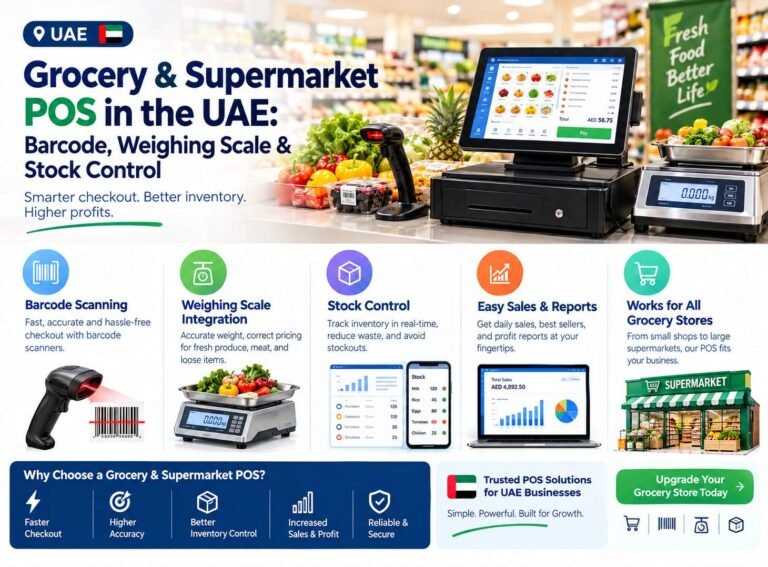
- General stores and groceries need barcode scanning and very fast checkout.
Our POS software for UAE businesses
We built Business POS Software for UAE shops with VAT invoicing, stock, purchases and reports for servicing, hardware, paint, electronics and general stores. It costs $150 per year and comes with a 15-day free trial. An Arabic version of the page is also available.
For restaurants and other businesses that need tables and kitchen orders, see Smart POS Manager, our cloud POS with a 14-day free trial.
Want to see it working with your own products? Message us on WhatsApp at +971 58 156 5050 and we will set up your free trial.
Note: this article is general information, not tax advice. Please check current VAT rules with the Federal Tax Authority or a qualified tax advisor.