<!– Meta Title: Web Visitor Analytics — Privacy-First WordPress Analytics Plugin (Lifetime License) Meta Description: Web Visitor Analytics is a lightweight, privacy-first WordPress analytics plugin. Track visitors, search terms, and clicks on your own server — pay once, own it for life. Target keywords: WordPress analytics plugin, privacy-first analytics, lifetime license WordPress plugin, self-hosted website analytics, WordPress visitor tracking –>
If you run a WordPress website, you already know you need analytics — but the two most common options both come with a catch. Google Analytics is free to use, but it sends your visitor data to a third party, requires a cookie consent banner, and its interface is overwhelming for a small business owner who just wants a straight answer to “how many people visited my site today?” On the other hand, most premium WordPress analytics plugins lock their best features behind a monthly or yearly subscription that keeps adding up year after year.
Web Visitor Analytics was built to solve both problems at once: a self-hosted, privacy-first WordPress analytics plugin that you install once, own for life, and never have to pay a recurring fee for again.
Web Visitor Analytics is a lightweight WordPress plugin that tracks your website’s visitors directly inside your own WordPress database — not on a third-party server. That means the data belongs entirely to you, your site doesn’t need to send information to an external company, and you have full control over what is tracked and for how long it’s kept.
It was designed specifically for small and medium-sized business websites, restaurant sites, booking systems, and service-based businesses that need clear, actionable numbers without the complexity of enterprise analytics platforms.
Key Features That Actually Matter to Business Owners
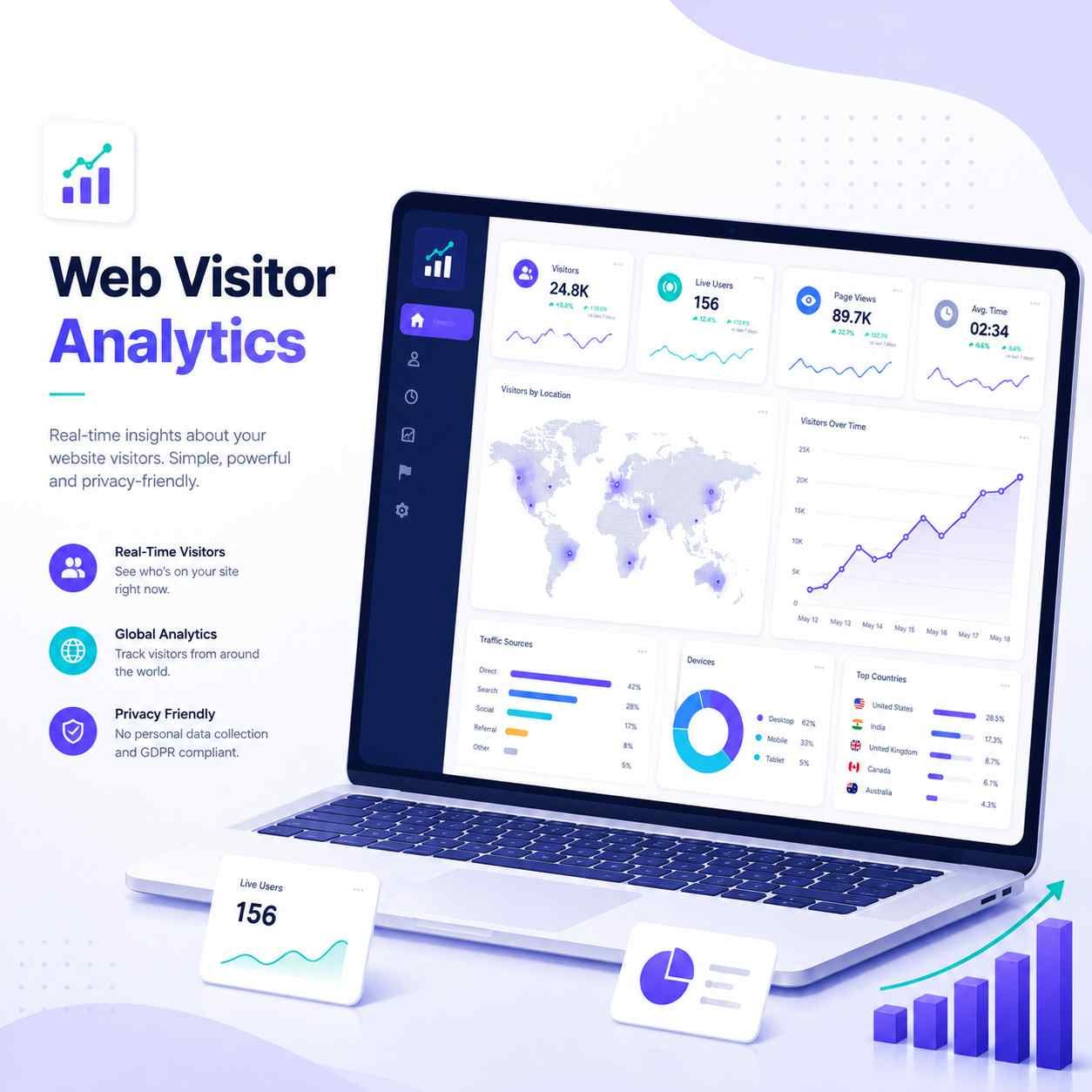
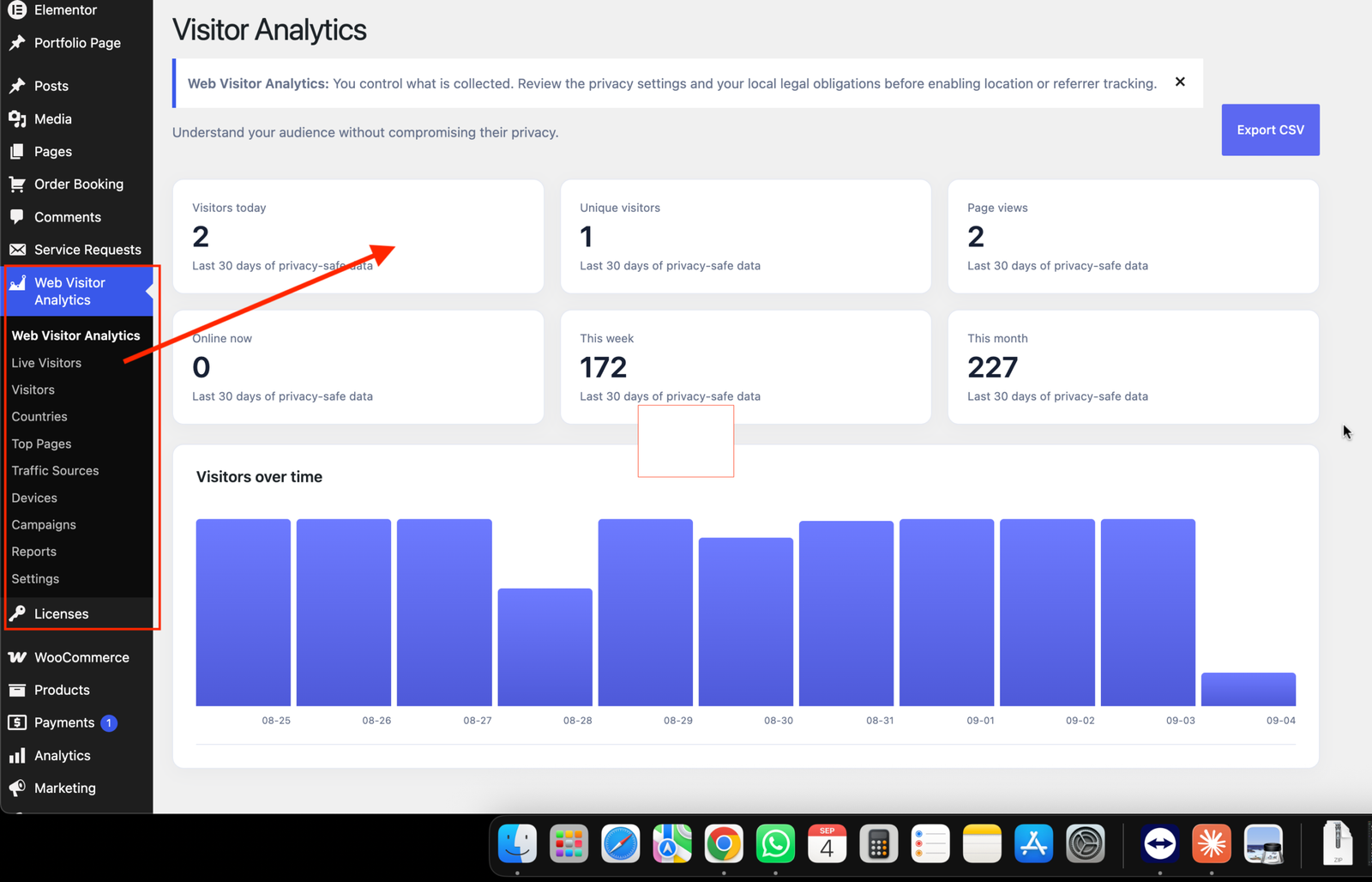
Live Visitor Tracking See exactly who is browsing your site right now — which page they’re on, what device they’re using, and where they’re coming from. No waiting a day for a report to generate.
Traffic Source & Campaign Reports Understand whether your visitors are coming from Google, Facebook, direct traffic, or a specific marketing campaign, so you know where your marketing effort is actually paying off.
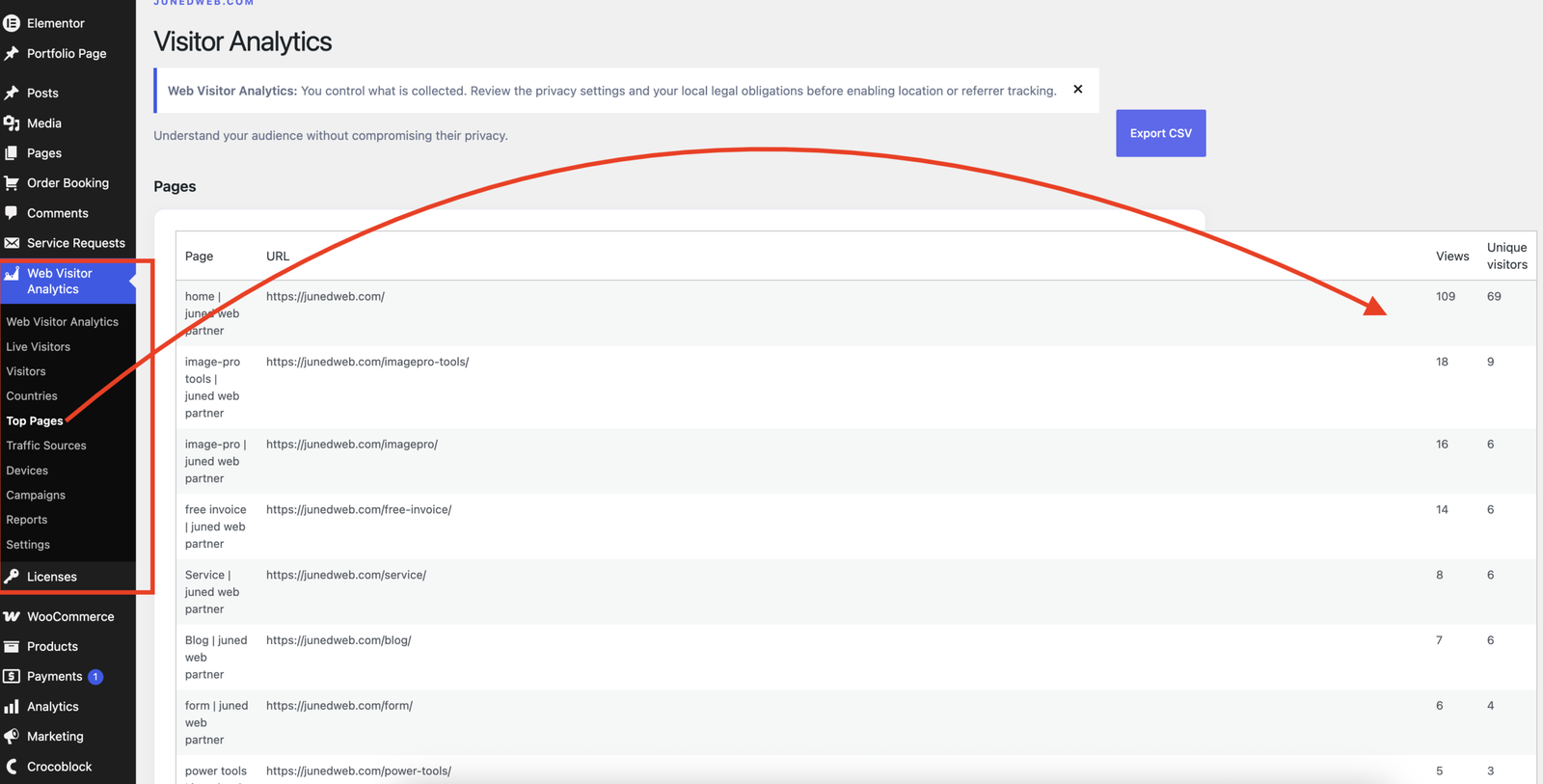
Top Pages Report Find out which pages on your site get the most attention, so you know what content or products to promote further and what’s not working.
On-Site Search Term Tracking This is a feature most analytics tools skip entirely. When a visitor uses your website’s own search box, Web Visitor Analytics records what they typed and how many results they found. If people keep searching for something you don’t have a page for, that’s a direct signal for new content or a missing product listing.
Automatic Event Tracking The plugin automatically tracks outbound link clicks, file downloads (PDFs, spreadsheets, etc.), and clicks on email or phone links — the kind of actions that often matter more than a raw page view. Site owners can also tag any button with a simple attribute to track custom actions, with no coding knowledge required.
Country, Device, and Browser Reports Get a clear breakdown of where your visitors are located and what devices and browsers they use, so you can make informed decisions about design and mobile responsiveness.
CSV Export Download any report as a spreadsheet whenever you need to share numbers with a client, a manager, or your accountant.
Why Choose a Privacy-First Approach?
Privacy regulations like GDPR have made visitor tracking a genuine legal concern for website owners, not just a technical detail. Web Visitor Analytics is built with privacy as a starting point, not an afterthought:
- No raw IP addresses are ever stored
- Location lookup is switched off by default and only activated if you choose to enable it
- Every tracking feature — referrers, browser details, search tracking, event tracking — can be turned on or off individually from the settings screen
- Visitors are identified using a hashed, non-personal value rather than anything that can be traced back to an individual
- You control exactly how long data is retained before it’s automatically deleted
This approach doesn’t just protect your visitors — it protects you, by keeping your website in a defensible position if privacy questions ever come up.
Why a Lifetime License Makes Financial Sense
Most WordPress plugins in this category charge an annual renewal fee, which quietly adds up to hundreds of dollars over a few years for a single website. Web Visitor Analytics offers a one-time lifetime license: you pay once, and the plugin — including all future updates — is yours to use for as long as your website exists. There’s no ticking clock, no surprise renewal email, and no risk of losing access to your own historical data because a subscription lapsed.
Updates are delivered automatically straight through your normal WordPress dashboard, the same way updates work for any plugin from the WordPress.org repository, so there’s no manual download-and-reinstall process every time a new version is released.
Is It Right for Your Website?
Web Visitor Analytics is a strong fit if you:
- Run a small or medium-sized business website and want clear numbers without a steep learning curve
- Want to avoid sending visitor data to a third-party company
- Are concerned about GDPR or general data-privacy compliance
- Are tired of paying a recurring fee just to see basic analytics
- Want to understand what your own visitors search for and click on, not just how many pageviews you got
Getting Started
Installation takes just a few minutes: install the plugin like any other WordPress plugin, activate it, and enter your license key. From there, tracking starts automatically, and your first reports will be ready within minutes as visitors start arriving on your site.
Frequently Asked Questions
Does this replace Google Analytics? For most small business needs, yes. It won’t replicate every advanced feature of Google Analytics 4, but it covers the numbers that actually drive decisions — traffic, pages, devices, sources, search terms, and click events — without the complexity or the third-party data sharing.
Will it slow down my website? No. The tracking script is lightweight and loads asynchronously, so it doesn’t add noticeable load time to your pages.
Do I need any technical knowledge to use it? No coding is required for normal use. Even the custom event-tracking feature only requires adding one simple attribute to a button in your page editor.
What happens if I don’t renew? There’s nothing to renew — a lifetime license means the plugin keeps working, with all future updates, for as long as you use it.