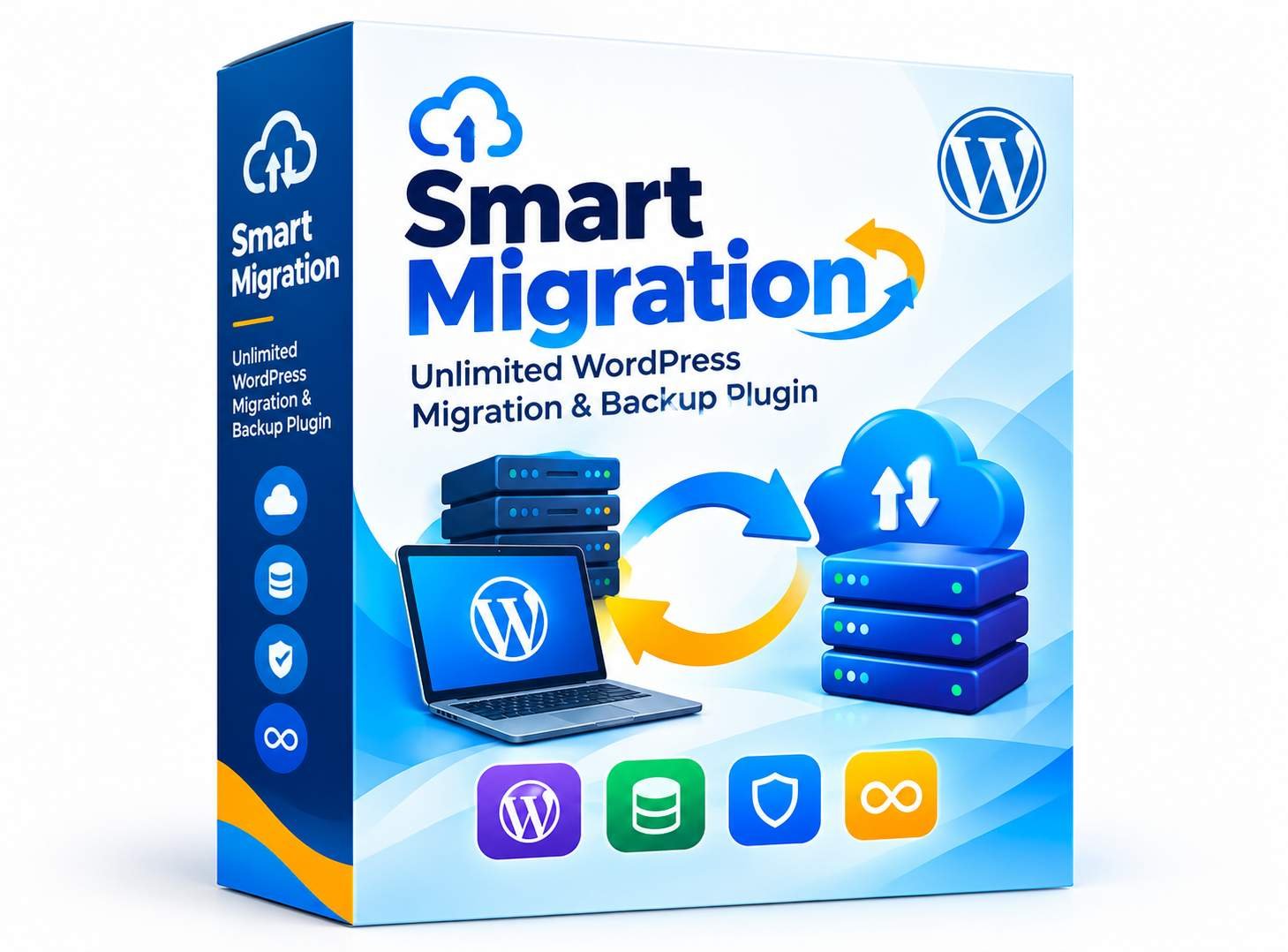
Move or back up any WordPress site in one file. No size limit.
Smart Migration exports your whole WordPress site (database, media, themes, plugins) into one .jmig file and imports it on any other server. All old links are changed to the new address automatically, without breaking page builders like Elementor.
Features
- Export is free and unlimited (sites of many GB). Import up to 500 MB is free; larger imports need a license.
- Safe search & replace of URLs, also inside serialized data (Elementor, widgets, WooCommerce).
- Uploads very large files in small pieces, so the hosting upload limit does not matter. Large files can also be uploaded by FTP.
- Resumes automatically after a timeout. Works on shared hosting.
- Safety backup of the target site before every import.
- Automatic backups: daily or weekly, keep the last N, email report, optionally sent to the cloud.
- Password-protected backups (AES-256): nobody can open the backup without your password, and any change to the file is detected.
- Cloud backup / remote storage: Cloudflare R2, Amazon S3, Wasabi, Backblaze B2, DigitalOcean Spaces and FTP/FTPS. Restore from the cloud onto a new server in a few clicks.
- Exclude folders you do not need (old videos, caches).
- Security: blocks PHP files inside uploads, protects the backup folder, keeps your storage keys and license out of backup files, built-in security check.
- Change the database table prefix during migration.
Requirements
- WordPress 5.8 or newer, single site (not Multisite)
- PHP 7.4 or newer, MySQL or MariaDB
What you get
- Plugin zip download
- License key (sent after payment)
- Updates inside WordPress while your license is active
- Email support: info@junedweb.com
How to activate your license
- After payment, download the plugin zip from My Account → Downloads. Your license key is in My Account → My Licenses (also in your order email).
- In WordPress go to Plugins → Add New → Upload Plugin, choose
smart-migration.zip, click Install Now and then Activate. - Open Smart Migration in the left menu.
- Paste your key in the License box and click Activate.
Moving to a new domain? Click Deactivate in the License box on the old site first (or remove it in My Account → My Licenses), then activate the key on the new site.
Made by junedweb.com